Removing Black Background in Maximize Option in Helical Insight Dashboards

Hello Team,

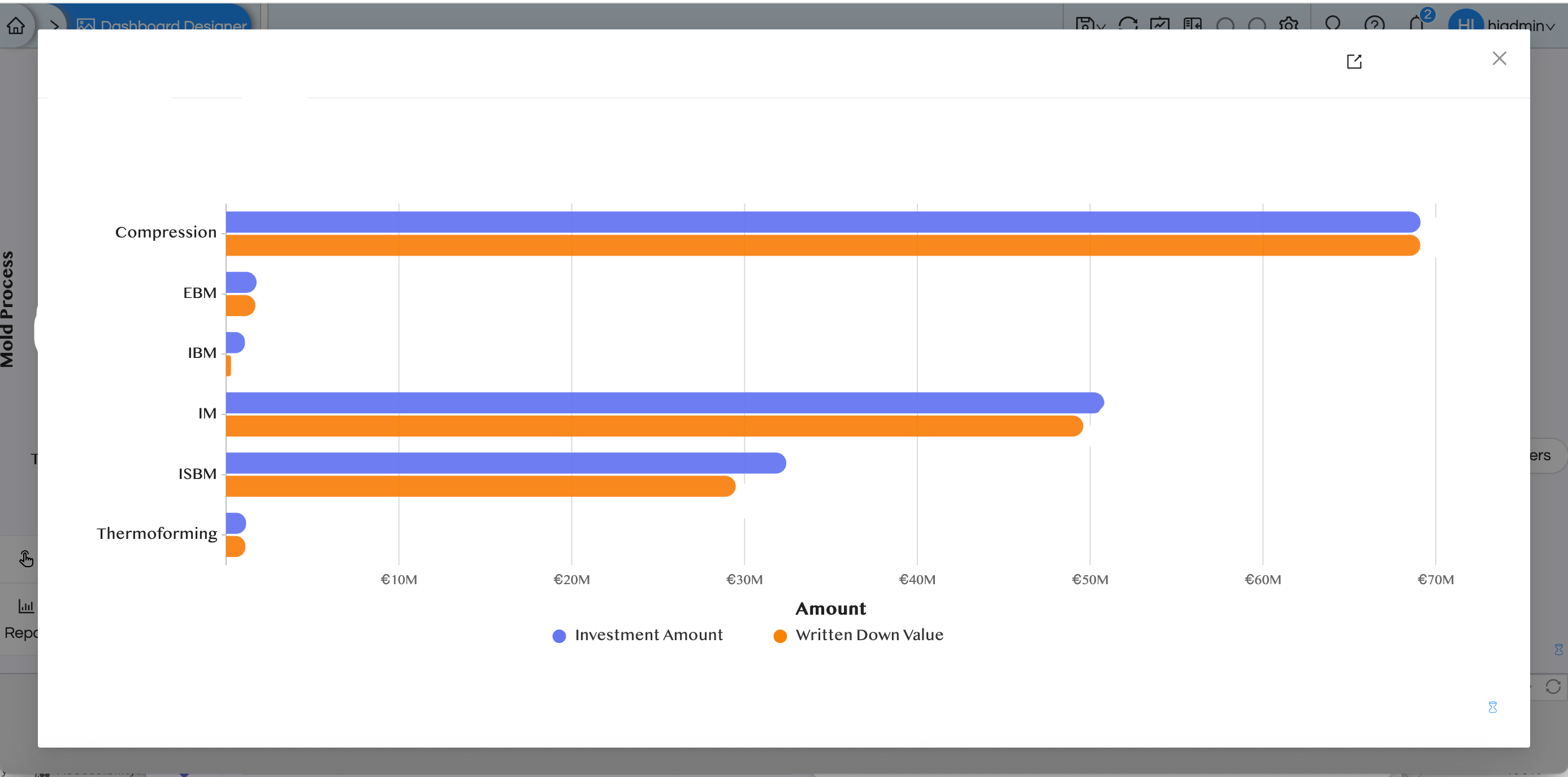
I am using Helical Insight dashboards. When I use the maximize option on a panel at the dashboard level, a black background appears outside of the popped up window. How can I remove this black background and make it plain? I am using open source BI helical insight enterprise edition version 6.0.
image

Thanks,
Netta.

Hello Netta,

In Helical Insight dashboards, the black background shown during the maximize (popup) view comes from the default modal overlay styling.

This can be customized using CSS at the dashboard (parent report) level. You can override the default styling and set the background to white**.**

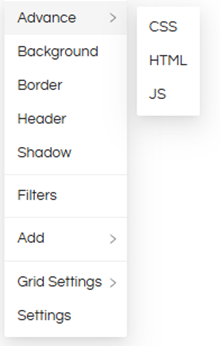
CSS to Apply: (Right-click on an empty space of the dashboard canvas – Hover on advance – click on css and apply

image

.ant-modal-wrap,
.ant-modal-centered {
background: white !important;
}

This will remove the dark overlay and display a plain white background when maximizing panels.

Thank You,
Helical Insight Team.