Hello @scythe ,
Yes it is possible.
a. First thing is when you are on report canvas (nothing should be selected), then on the right side in the “Page Properties” you have an option to under “When No Data”
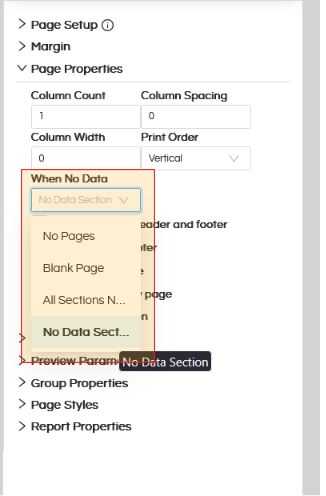
Please select the option “No Data Section”
further reading (PAGE SETUP in Canned Reporting - Helical Insight)
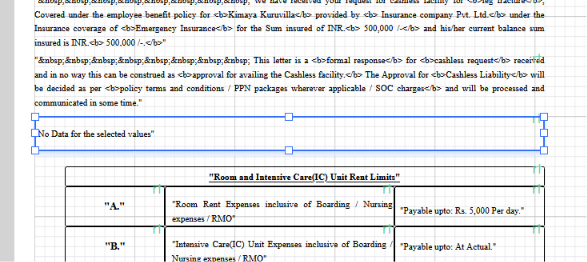
b. Then on the report canvas, you can simply put a text field and in that you can write whatever message should appear when there is no data in the report. Like “No data for the selected values”
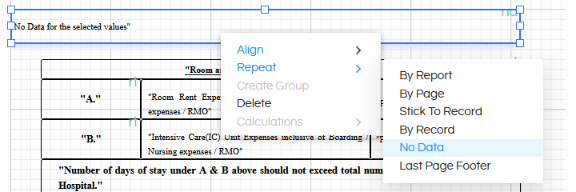
Then right click on this added text box, and in the “Repeat” option select “No Data”. That means this text box will appear when there is no data.
Further reading about this : Repeat By Options in Helical Canned Reports - Helical Insight
