
Hello Helical Team,
I would like to ask if it’s possible to navigate to a specific group/report using navigation. For example, in a one page dashboard, of course there are lots of reports there, we have a navigation bar that will navigate/scroll down to that specific report/group. Is it possible? Thank you.
Yes, it is possible to navigate to a specific report or group inside a one-page dashboard by using the component ID of the report and a small JavaScript navigation function. This allows you to create a navigation bar with buttons that scroll the page to the required report section.
Concept
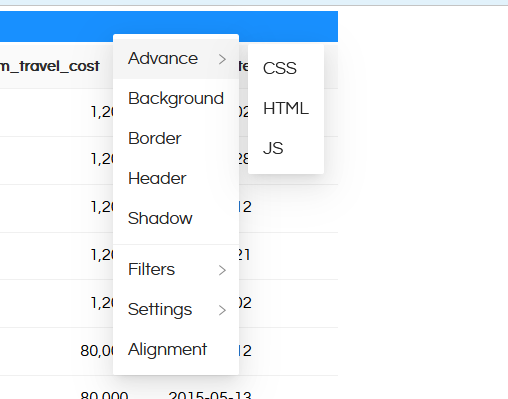
Each report or group in the dashboard has a unique component ID (for example: item-gyrsY). In order to get the component-id of any added report in the dashboard, you can right click and then go to “CSS”
Now you can right click on empty canvas in the dashboard and when you right click, you will get **Add** > **HTML**
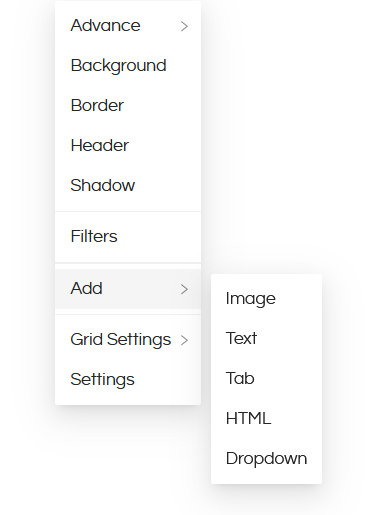
This way you can add buttons.
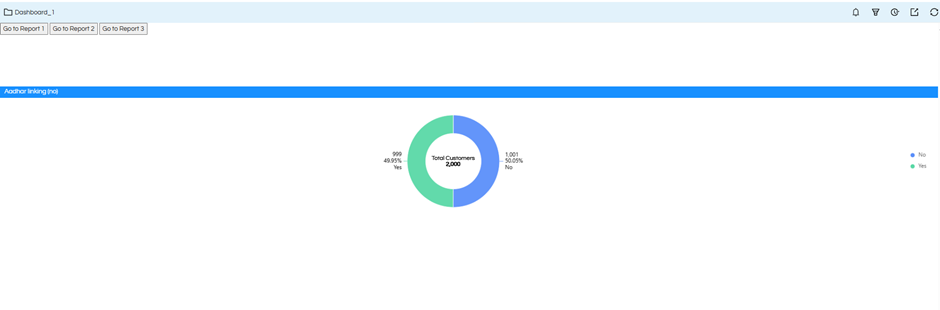
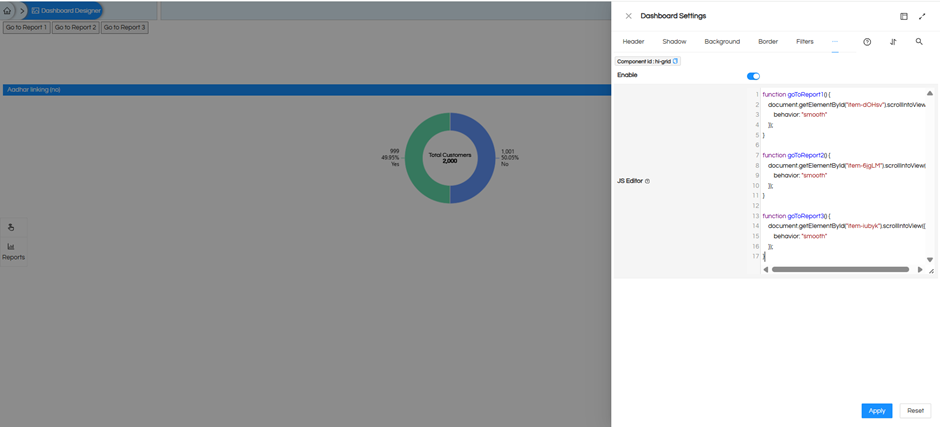
When we have added buttons, now using JavaScript, we will create a function that scrolls the dashboard to a component id when we click on this button. This is done using JS. We add this JS to the HTML buttons that we have added. You can right click on the added HTML button, go to “Advance” and then you will get to see “JS” wherein this below kind of code can be put.
Example JavaScript Code
function goToReport(reportID) {
document.getElementById(reportID).scrollIntoView({
behavior: “smooth”
});
}
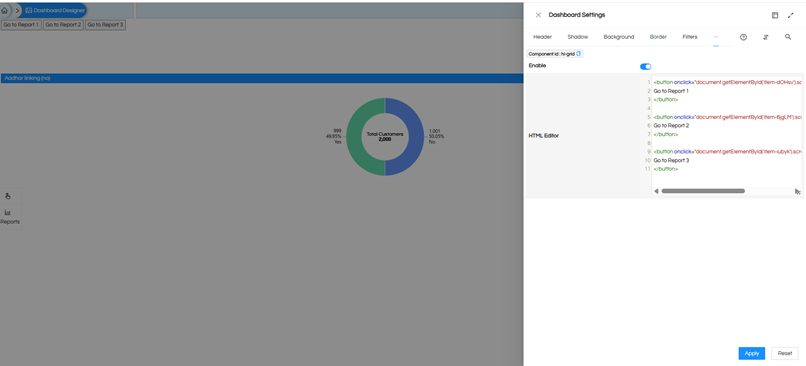
Example Navigation Buttons
Go to Report 1
Go to Report 2
Go to Report 3
When a user clicks a button, the page will smoothly scroll to the corresponding report inside the same dashboard.
Pseudocode Explanation
START
CREATE a function called goToReport
ACCEPT reportID as input
FIND the dashboard element using the reportID
SCROLL the page to that element smoothly
END FUNCTION
WHEN a navigation button is clicked
CALL goToReport with the respective report ID
END
Result
This approach allows you to build a navigation bar at the top of the dashboard where each button can quickly take the user to a specific report or group within the same page. It improves usability, especially when the dashboard contains many reports.
Best regards.