Hello Snow,
Method 1: Yes, masking of sensitive PHI/PII data can be achieved directly using the field expression of the Canned Report using Java string expressions and regular expressions.
Example for masking a phone number while displaying only the last 4 digits:
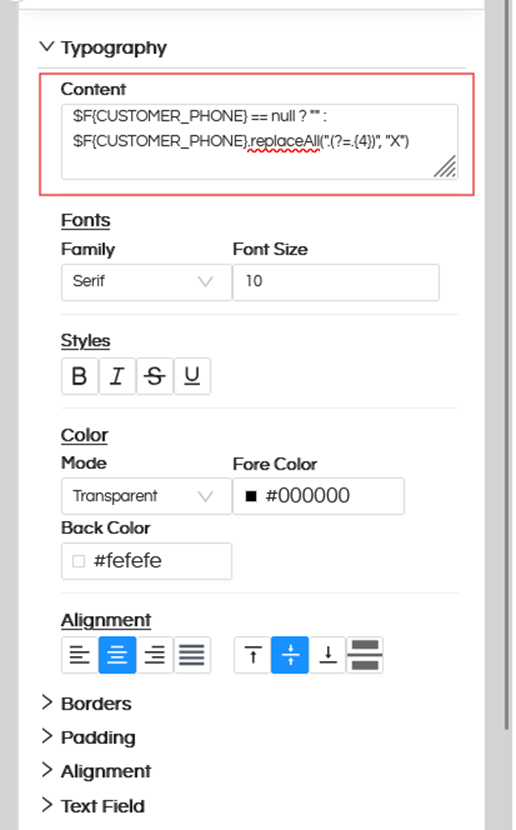
$F{CUSTOMER_PHONE} == null ? “” :
$F{CUSTOMER_PHONE}.replaceAll(".(?=.{4})", “X”)
Explanation. In this code we are checking, if it is not null then we are replacing the 4 characters.
replaceAll() is used to replace characters using regex.
.(?=.{4})
Masks all characters except the last 4 characters.
“X”
Replaces the masked characters with X.
Example
Original Value Masked Output
9876543210 XXXXXX3210
123456789012 XXXXXXXX9012
Helps secure sensitive PHI/PII data and prevents exposure of confidential information without requiring backend changes.
The same approach can be used for masking SSN, Aadhaar, account numbers, email addresses, and other customer identifiers
Method 2: In the second method, we can directly write the encryption logic in SQL itself.
Thank You,
Helical Insight Team.
