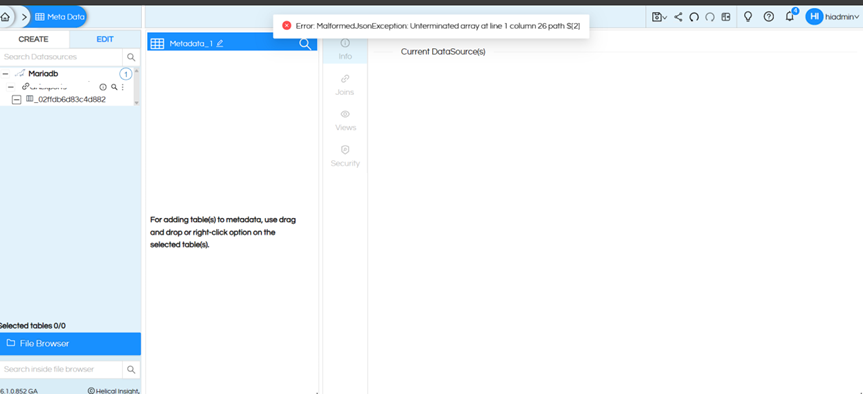
Hello,
This issue occurs when there are spaces in the table names, for example:
- tabCustomer
- tabOrder
- tabInvoice
- tabLoan
- tabStock Entry
- tabPayment Log
- tabSales Info
To fix the issue, follow the steps below:
Download MariaDB.zip file and extract it.
- Go to the below Helical Insight installation path and remove the older MariaDB driver, then add the new driver:
..\hi\hi-repository\System\Drivers
mariadb-java-client-3.5.7.jar
- Copy the files mariadb.js and mariadb.xml to:
..\hi\hi-repository\System\Admin\SqlFunctions
- Copy mariadb.efwd to:
..\hi\hi-repository\System\Admin\DbConfig
- Open the file sqlFunctionsXmlMapping.properties and replace:
org.mariadb.jdbc.Driver=mysql
with
org.mariadb.jdbc.Driver=mariadb
- Restart the Helical Insight service.
Then clear the browser cache and test metadata creation, it works fine.
Thank You,
Helical Insight