Hello,
If a new font is required in the Helical Insight Canned Report (HCR) module, there are two separate steps to consider:
- Installing the font at the OS level, so that it becomes available in the HCR UI.
- Configuring the font for PDF export, so that the font is embedded/used correctly in the generated PDF.
Prerequisite: Install the font at OS level
Any new font must first be installed at the operating-system level.
Please follow the steps mentioned here:
Hello,
If a new font is required in the Helical Insight Canned Report (HCR) module, there are two separate steps to consider:
- Installing the font at the OS level, so that it becomes available in the HCR UI.
- Configuring the font for PDF export, so that the font is embedded/used correctly in the generated PDF.
Prerequisite: Install the font at OS level
Any new font must first be installed at the operating-system level.
Please follow the steps mentioned here: Add new font canned report module - Adhoc - Helical Insight Forum
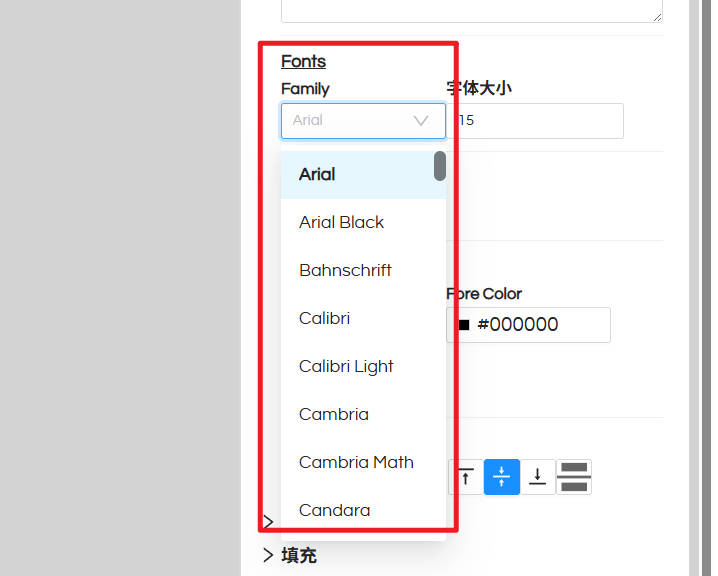
After completing this step, the font should become available in the Font Family dropdown in HCR.
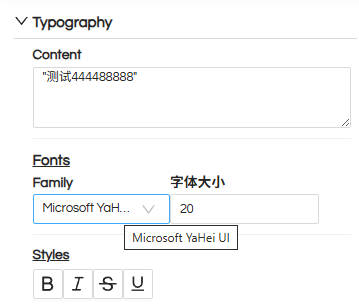
In this particular case, this step has already been completed, which is why the Yahei UI font is visible in the HCR UI.
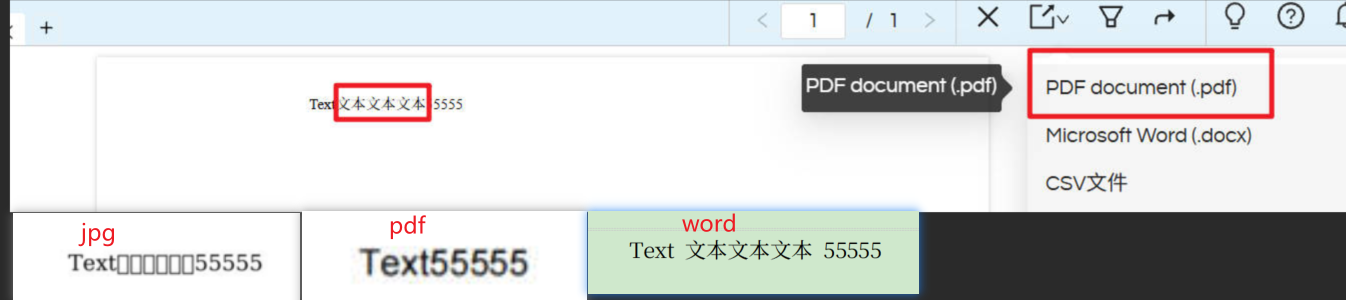
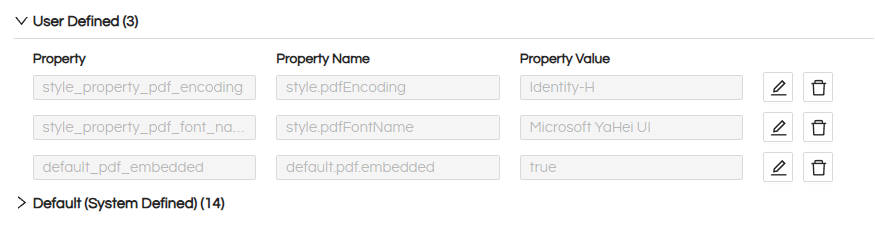
However, if the font is visible in the UI but is not appearing correctly in the exported PDF, additional font configuration is required.
Follow the steps below.
Configure the font for PDF export
1. Create the font folder structure
Create a folder named:
fonts
Inside the fonts folder, create another folder with the name of your font family.
For example, for Yahei UI:
fonts/
       └── Yahei UI/
             ├── Yahei UI Regular.ttf
             ├── Yahei UI Bold.ttf
             ├── Yahei UI Italic.ttf
             └── Yahei UI Bold Italic.ttf
Place the corresponding TTF files inside this folder.
Note: The exact TTF filenames may differ depending on the font package you have. Use the actual filenames of your font files.
It is recommended to provide the four variants, if available:
- Regular
- Bold
- Italic
- Bold Italic
2. Create fontsfamily.xml
Inside the fonts folder, create a file named:
fontsfamily.xml
The structure should be similar to the following:
<?xml version="1.0" encoding="UTF-8"?>
<fontFamilies>
    <fontFamily name="Yahei UI">
        <normal><![CDATA[fonts/Yahei UI/Yahei UI Regular.ttf]]></normal>
        <bold><![CDATA[fonts/Yahei UI/Yahei UI Bold.ttf]]></bold>
        <italic><![CDATA[fonts/Yahei UI/Yahei UI Italic.ttf]]></italic>
        <boldItalic><![CDATA[fonts/Yahei UI/Yahei UI Bold Italic.ttf]]></boldItalic>
        <pdfEncoding><![CDATA[Identity-H]]></pdfEncoding>
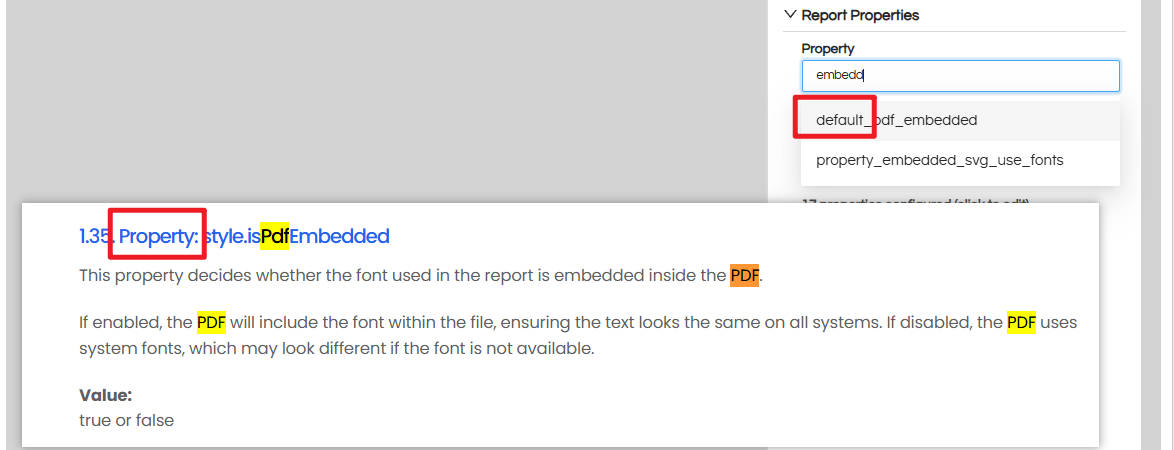
        <pdfEmbedded><![CDATA[true]]></pdfEmbedded>
        <exportFonts/>
    </fontFamily>
</fontFamilies>
Important
The above is only an example.
You must change the following according to your actual font:
fontFamily name="..."normalbolditalicboldItalic
The paths must exactly match the location and filenames of the TTF files inside the JAR.
For example, the structure for an Aptos font would look like:
<fontFamily name="APTOS">
    <normal><![CDATA[fonts/APTOS/Aptos.ttf]]></normal>
    <bold><![CDATA[fonts/APTOS/Aptos-Bold.ttf]]></bold>
    <italic><![CDATA[fonts/APTOS/Aptos-Italic.ttf]]></italic>
    <boldItalic><![CDATA[fonts/APTOS/Aptos-Bold-Italic.ttf]]></boldItalic>
    <pdfEncoding><![CDATA[Identity-H]]></pdfEncoding>
    <pdfEmbedded><![CDATA[true]]></pdfEmbedded>
    <exportFonts/>
</fontFamily>
The important point is that the paths in normal, bold, italic, and boldItalic must point to the actual TTF files.
- Create
jasperreports_extension.properties
Create another file named:
jasperreports_extension.properties
Important: This file should NOT be inside the fonts folder.
It should be at the same level as the fonts folder.
The directory structure should therefore look like:
<root-folder>/
├── fonts/
│   ├── Yahei UI/
│   │   ├── Yahei UI Regular.ttf
│   │   ├── Yahei UI Bold.ttf
│   │   ├── Yahei UI Italic.ttf
│   │   └── Yahei UI Bold Italic.ttf
│   └── fontsfamily.xml
│
└── jasperreports_extension.properties
Put the following content in jasperreports_extension.properties:
net.sf.jasperreports.extension.registry.factory.fonts=net.sf.jasperreports.engine.fonts.SimpleFontExtensionsRegistryFactory
net.sf.jasperreports.extension.simple.font.families.ireportfamily=fonts/fontsfamily.xml
This tells where the font-family definition is located.
4. Bundle the files into a JAR
Once the folder structure is ready, the complete folder needs to be bundled into a JAR file.
For example, if your structure is:
YaheiUI/
├── fonts/
│ ├── Yahei UI/
│ │ ├── Yahei UI Regular.ttf
│ │ ├── Yahei UI Bold.ttf
│ │ ├── Yahei UI Italic.ttf
│ │ └── Yahei UI Bold Italic.ttf
│ └── fontsfamily.xml
│
└── jasperreports_extension.properties
Open Command Prompt/Terminal inside the YaheiUI folder and execute:
jar cf YaheiUI-font-extension.jar fonts jasperreports_extension.properties
This will create:
YaheiUI-font-extension.jar
Verify the JAR
You can verify that the files were packaged correctly using:
jar tf YaheiUI-font-extension.jar
You should see entries similar to:
META-INF/
META-INF/MANIFEST.MF
fonts/
fonts/Yahei UI/
fonts/Yahei UI/Yahei UI Regular.ttf
fonts/Yahei UI/Yahei UI Bold.ttf
fonts/Yahei UI/Yahei UI Italic.ttf
fonts/Yahei UI/Yahei UI Bold Italic.ttf
fonts/fontsfamily.xml
jasperreports_extension.properties
Important: jasperreports_extension.properties and the fonts directory must be at the root of the JAR, not inside another nested directory.
5. Copy the JAR to Helical Insight
Copy the generated JAR file into:
....\apache-tomcat-11\webapps\hi-ee\WEB-INF\lib
For example:
apache-tomcat-11/
└── webapps/
    └── hi-ee/
        └── WEB-INF/
            └── lib/
                └── YaheiUI-font-extension.jar
6. Restart Helical Insight
After copying the JAR, restart the Helical Insight/Tomcat server. A restart is required so that it can load the newly added font extension.
7. Test the PDF export
After the restart:
- Open the Canned Report in HCR.
- Select Yahei UI as the font.
- Generate/export the report as PDF.
- Verify the generated PDF.
The font should now be correctly used in the PDF export as well.
The key point is that **OS-level font installation makes the font available to the Helical Canned reports UI, while the font-extension JAR makes the font available to the reporting engine and allows it to be embedded in the PDF.
This same approach can be followed for deploying and using any other custom fonts with helical insight canned reports, both at frontend as well as in the exported version (like PDF etc); only the font family name and TTF file paths need to be changed accordingly.
Thank you