Hello Snow,
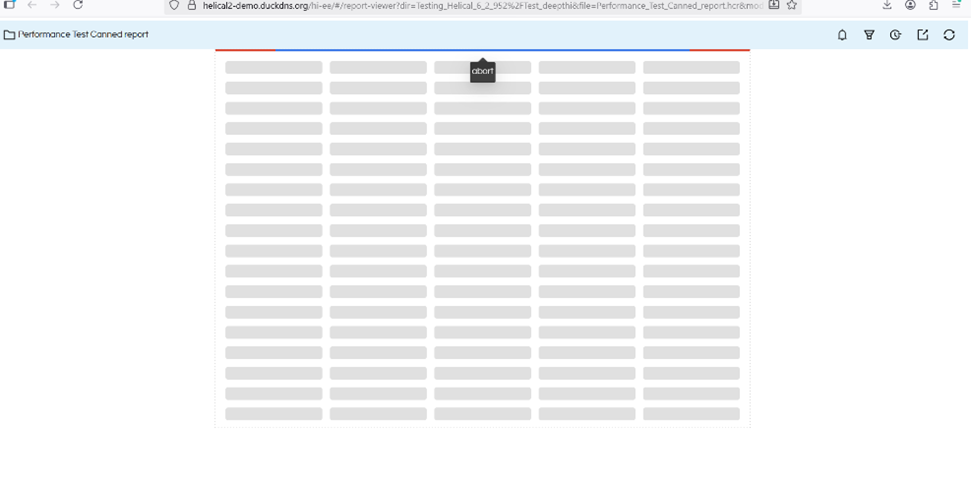
This behavior is observed in Canned Reports, where the abort functionality has been newly introduced in the current version of Helical Insight.
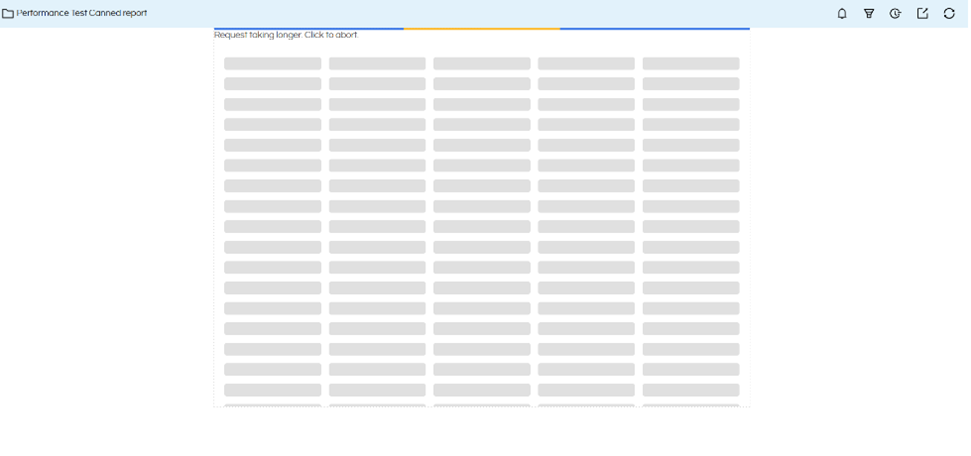
• The abort option is available when a report takes longer to execute, displaying the message “Click to Abort”
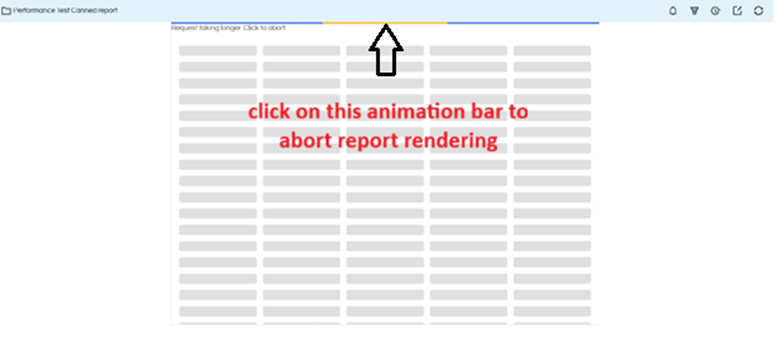
• The abort action is triggered only when clicking on the top animation/progress bar
• Clicking on the “Click to Abort” text does not trigger the abort action
• The text appears actionable but is not functionally clickable, which can cause confusion
• The cursor remains default on hover, giving no indication of interactivity
Workaround:
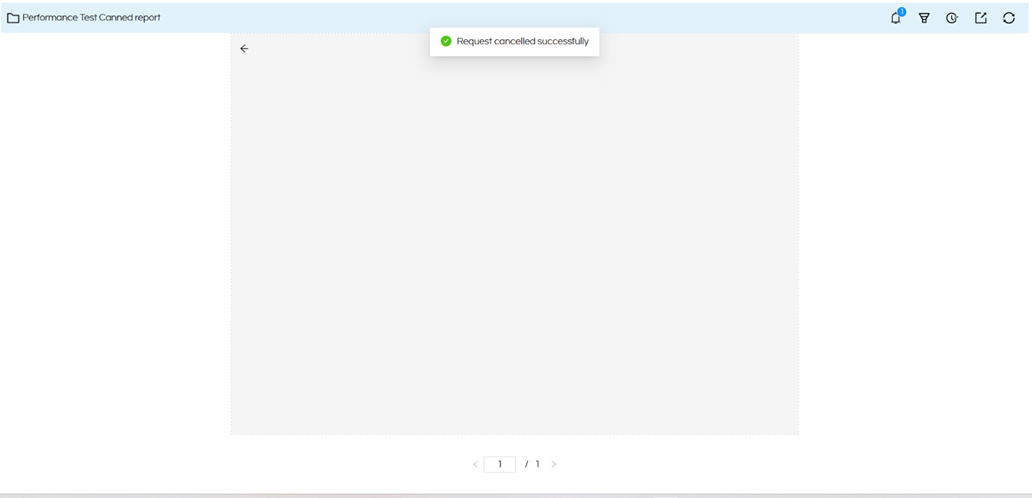
• Click on the top animation/progress bar to cancel the report execution
This is a known UI limitation in the current implementation, and a fix is planned in future releases to make the “Click to Abort” text fully functional.
Thank You,
Helical Insight.
